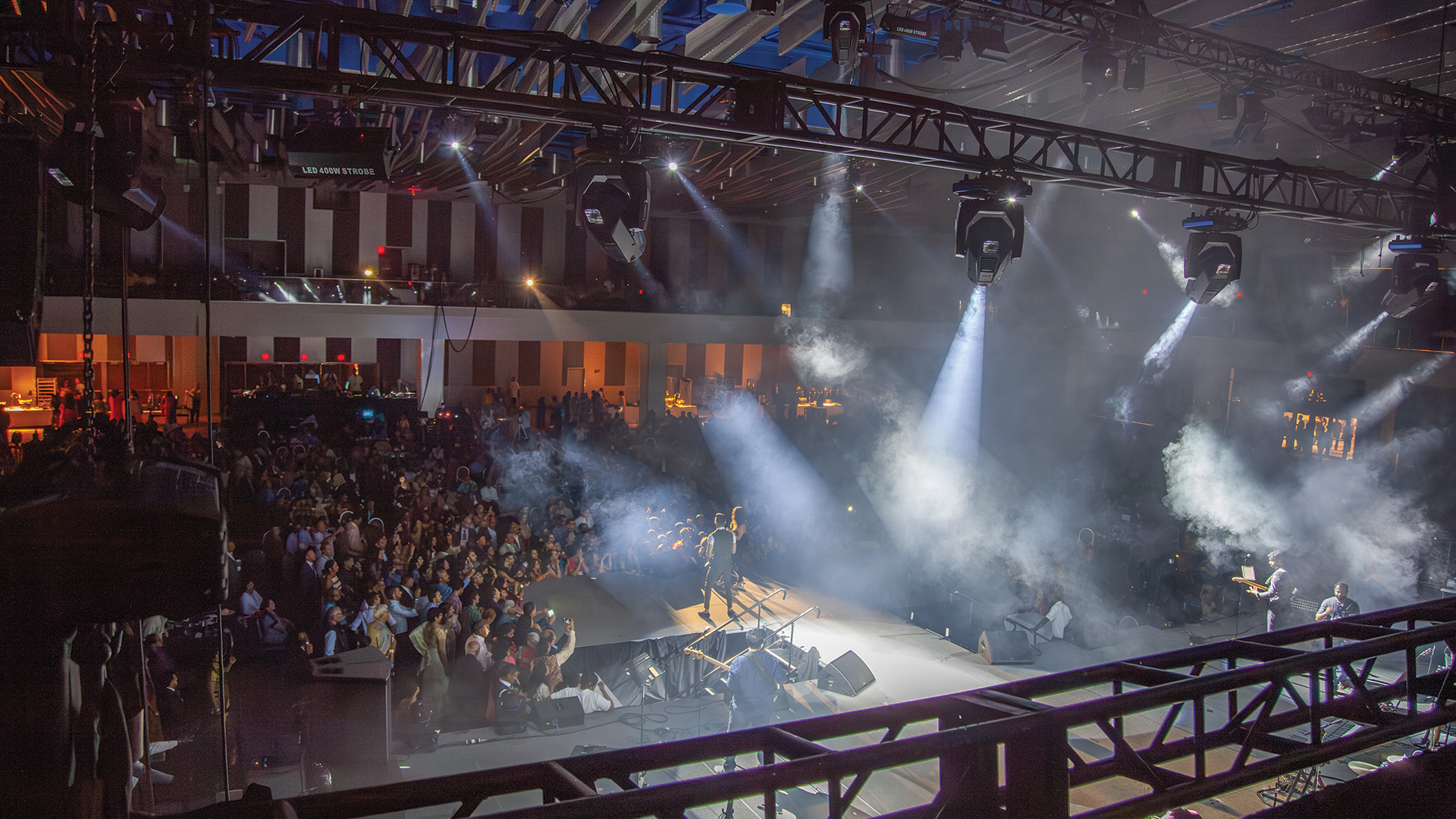
The award presentation ends, applause fades, and within three seconds the stage transforms from warm celebration to cool technology showcase—fixtures pivot, colors shift, intensity levels reset, and a completely different visual environment emerges as if someone flipped a switch on reality itself. This isn’t magic; it’s meticulously programmed lighting presets executed with split-second precision, the invisible infrastructure that keeps multi-segment events flowing without awkward pauses or technical hesitation.
The Anatomy of Effective Preset Architecture
Professional lighting programmers approach preset development as software engineering rather than artistic improvisation. Each preset contains hundreds of individual parameter values—pan and tilt positions, color mixing, intensity levels, gobo selections, and specialty effects—organized into hierarchical structures that enable both comprehensive recalls and selective updates. Consoles like the MA Lighting GrandMA3 and ETC Eos platforms provide the programming environments where these complex data structures take shape.
The folder metaphor helps explain preset organization to non-technical stakeholders. Just as office workers organize documents into nested folders, lighting programmers build preset libraries grouped by function—keynote looks, award presentations, musical performances—with individual presets within each group representing specific variations. This organizational discipline enables rapid navigation when unexpected show changes demand improvised cue construction under time pressure.
Baseline Establishment: The Foundation Layer
Every lighting design begins with baseline states that establish default fixture conditions. These foundations define home positions, default color temperatures, and starting intensity levels that serve as reference points for all subsequent programming. When programmers need to quickly construct new looks during rehearsals, referencing baselines accelerates the process dramatically—adjustments proceed from known starting points rather than requiring every parameter specification from scratch.
The concept of parking certain parameters simplifies preset management. Parameters that remain constant across all show looks—certain fixture positions, house light levels, backstage work lighting—get defined once and protected from subsequent changes. This selective programming approach reduces preset complexity while ensuring consistent behavior across transitions that could otherwise introduce unwanted variations in fixed elements.
Color Palette Systems
Advanced programmers develop comprehensive color palettes that store mixing values for consistent color reproduction across diverse fixture types. A preset labeled corporate blue might reference a palette entry that automatically translates to appropriate cyan, magenta, yellow, and white values for each fixture model in the rig. When fixtures get swapped due to inventory availability or rental substitutions, palette updates propagate across all referencing presets automatically—a maintenance efficiency impossible with hard-coded color values.
Temperature presets deserve particular attention for corporate events where facial illumination consistency matters. Key light positions recall color temperature palettes matching 3200K tungsten or 5600K daylight references, ensuring presenters appear naturally lit regardless of which specific fixtures occupy key light positions on any given show. The flexibility proves invaluable when productions tour across venues with varying inventory availability.
The Transition Timing Matrix
Preset utility depends heavily on transition timing strategies. Instant changes work for dramatic effect but can feel jarring during corporate presentations; gradual fades maintain smooth professionalism but risk leaving looks incomplete during fast-paced segments. Experienced programmers develop timing templates that define appropriate fade durations for different transition types—perhaps two seconds for segment changes, half a second for emphasis shifts, and five seconds for opening and closing sequences.
Different fixture parameters may warrant different timing within single transitions. Position changes might complete in one second while color shifts extend across three seconds, creating layered transitions where movement completes before color evolution finishes. Consoles like the High End Systems Hog 4 allow independent timing assignment per parameter type, enabling sophisticated transitions impossible with single global fade times.
The Emergency Preset Library
Professional programmers maintain emergency presets for situations that hopefully never occur but sometimes do. House lights full provides instant audience illumination for safety situations. Presenter washout creates broad coverage when talent wanders outside planned positions. Technical hold establishes neutral states suitable for extended breaks when equipment issues require troubleshooting. These presets sit ready on easily accessible console positions, available without scrolling through programming pages during crisis moments.
The get out of jail preset represents ultimate fallback—a simple, foolproof lighting state that works regardless of what other programming has malfunctioned. When console crashes, network failures, or operator errors corrupt running shows, this single preset restores presentable stage lighting while technical issues get resolved. Experienced programmers build these failsafes first, before any creative programming begins, ensuring minimum acceptable coverage exists regardless of subsequent complications.
Integration With Show Control Systems
Modern productions increasingly trigger lighting presets from centralized show control platforms rather than manual operator execution. Systems like Medialon, Dataton WATCHOUT, and Pharos coordinate lighting changes with video playback, audio transitions, and scenic automation through unified timeline programming. Preset recalls occur at precise timecode moments, eliminating the human timing variations that even skilled operators cannot completely suppress.
The integration architecture involves communication protocols—primarily MSC (MIDI Show Control) or OSC (Open Sound Control)—that allow show control systems to command lighting consoles. Setup requires careful addressing and testing, with each lighting preset assigned triggerable identifiers that show control software references in timeline programming. The technical complexity pays dividends in execution consistency that manual operation cannot match.
